Mantra MFS110 L1 Fingerprint Device Setup for CSC
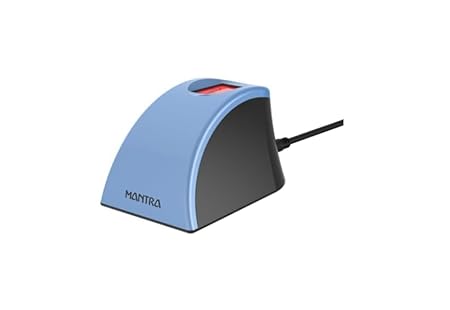
Rs. 3,709
Rs. 4,999
 Flipkart
🔸Flipkart india.
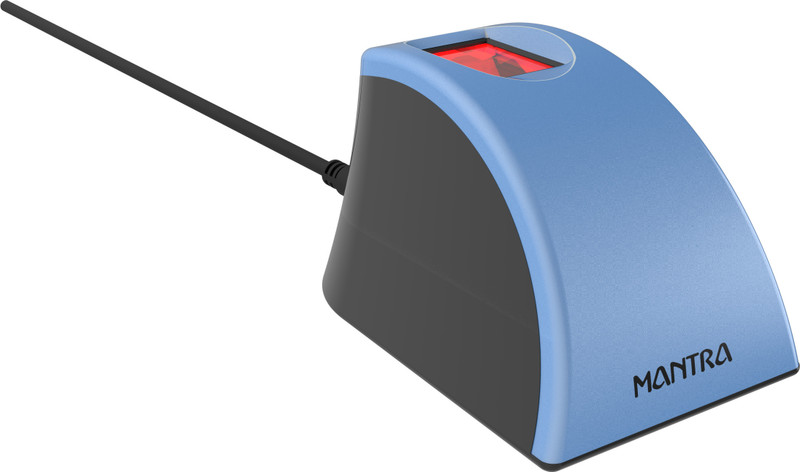
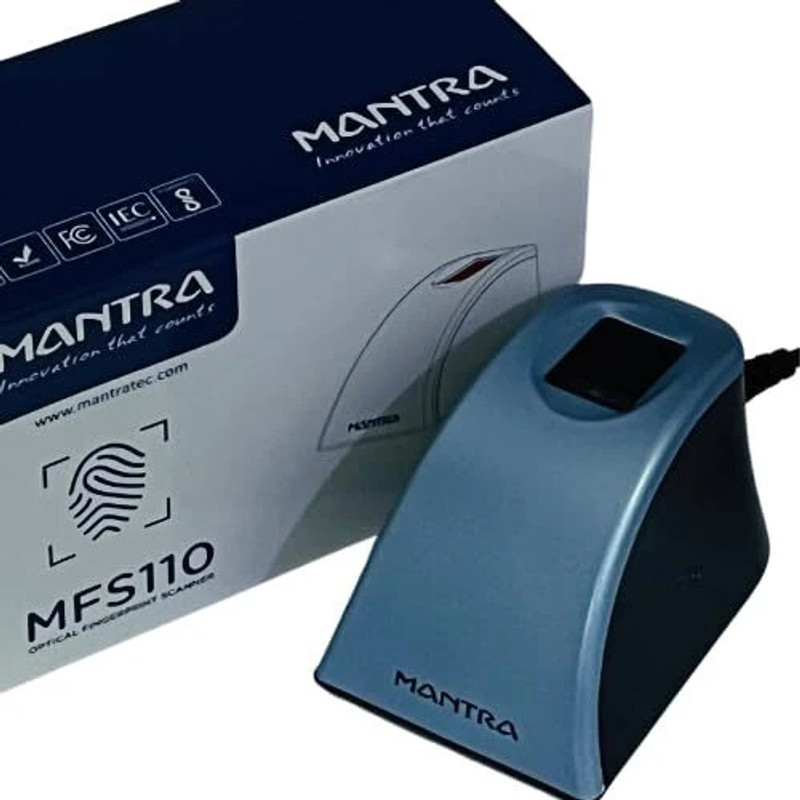
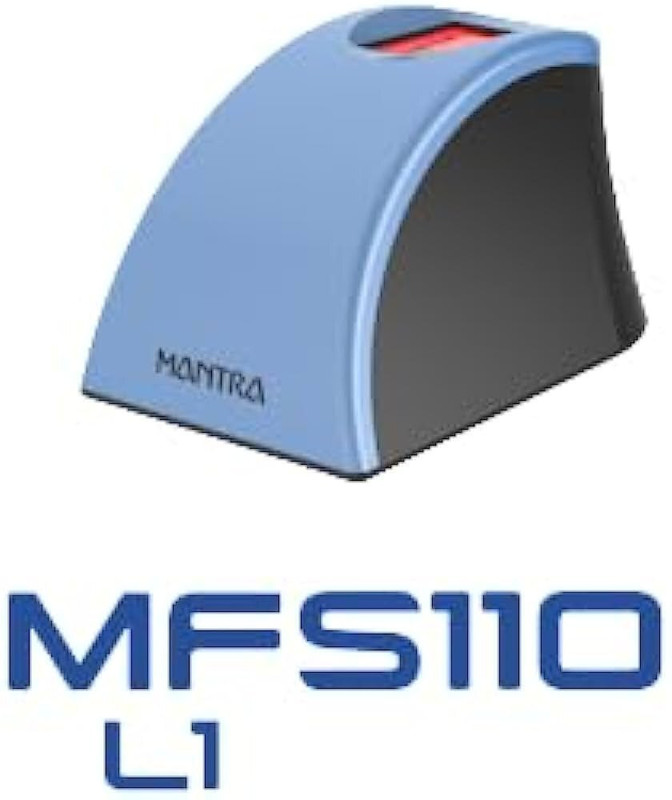
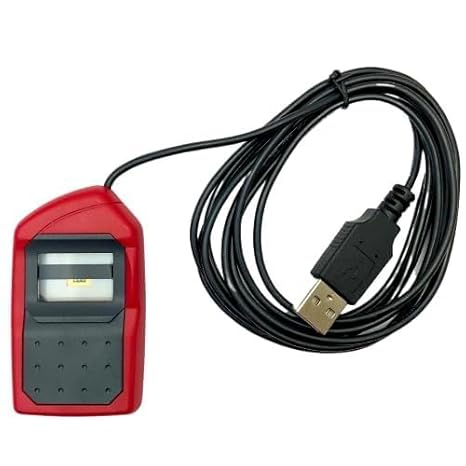
Mantra MFS110 L1 Fingerprint Device: Setup & Driver Download for CSC Center
Finding a budget-friendly and reliable L1 biometric scanner for your CSC Center? The Mantra MFS110 L1 Fingerprint Biometric device is an exceptional, cost-effective alternative for all CSC VLEs handling high-volume daily Aadhaar verifications.
Why Choose Mantra MFS110 L1 for Your CSC Work?
The Mantra MFS110 L1 is specifically designed to meet the latest UIDAI security guidelines. It is highly durable and works perfectly for rural banking, standard AEPS withdrawals, and identity registration via the Digital Seva portal.
Mantra MFS110 L1 Compatibility List for VLEs:
- DigiPay & DigiPay Light: Smooth AEPS cash withdrawals, deposits, and balance inquiries.
- Aadhaar UCL: Hassle-free demographic updates and biometric corrections for citizens.
- Jeevan Pramaan: Easy digital life certificate generation for local pensioners.
- PM-KISAN Verification: Fast e-KYC authentication for farmers at your center.
Step-by-Step Mantra MFS110 L1 Installation Guide
If your device is failing to initialize or showing “Device Not Found” errors, follow this official setup process carefully:
- Disconnect your Mantra device and completely uninstall any older Mantra L0 RD Service software from your system.
- Download the latest official Mantra MFS110 L1 RD Service and setup driver package.
- Right-click on the installation file and select “Run as Administrator” to complete the process.
- Plug in your Mantra MFS110 L1 device into the USB port and wait for the “Device Attached” pop-up.
- Run the Mantra support tool or check your browser settings to verify a successful test capture.
Pro SEO Recommendation for VLEs: To ensure complete workflow continuity at your Jan Seva Kendra, don’t forget to check out our step-by-step installation guides for the premium Morpho 1300 E3 L1 Device and the Startek L1 Fingerprint Biometric device to lock in the lowest online market rates today.