Free Plywood Cutting Calculator in Inches: AutoSizer PRO (2026)
Free Plywood Cutting Calculator: Box Panel Sizing Tool
Are you looking for an easy way to design modular furniture without math mistakes? Welcome to our advanced free plywood cutting calculator in inches. By simply entering the overall width, height, and depth of your custom furniture boxes, you can instantly calculate exact panel sizes for fabrication.
Enter Width, Height, and Depth in Inches to Instantly Calculate Panel Sizes
To use our automated cabinet panel sizing software, you do not need complex charting layouts. This tool functions completely around standard workspace metrics. Enter your external box dimensions in precision inches or fractions to split your raw plywood sheet into optimized components instantly.
How to Use the Panel Sizing Calculator:
- Box Width Input: Determines the horizontal span for your top and bottom base plates.
- Box Height Input: Fixes the vertical boundaries for your left and right side support walls.
- Box Depth Input: Establishes the structural clearance for internal storage shelves and doors.
Why AutoSizer PRO is Mandatory for Modern Workshops
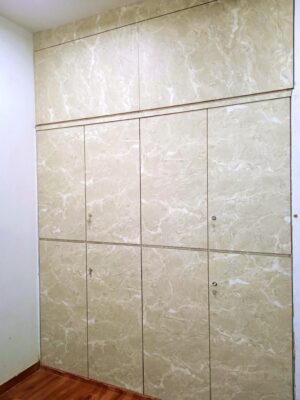
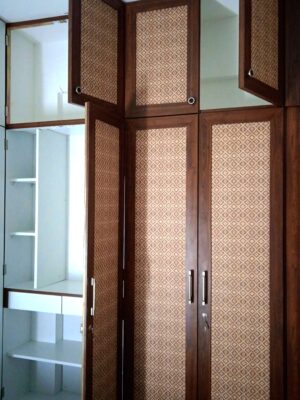
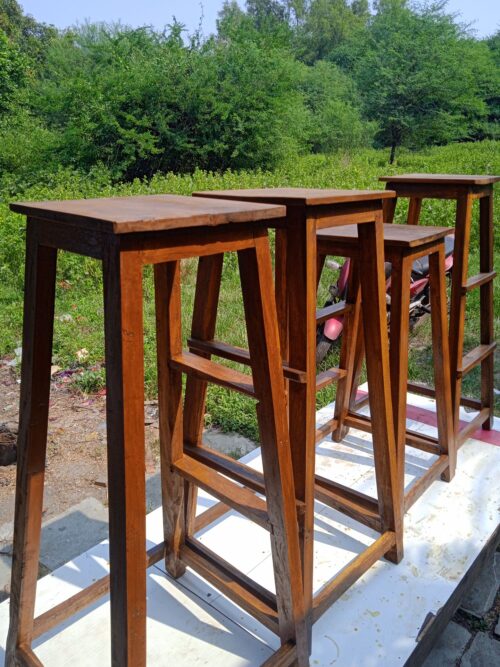
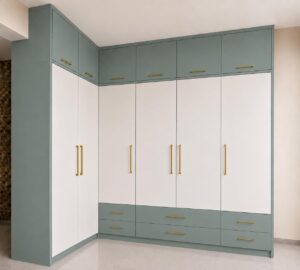
Manual sizing calculation is slow and causes expensive timber cutting errors. Whether you are constructing seamless wardrobe designs for a small bedroom or building compact wooden stools, this script automatically handles edge banding allowances and panel distribution overlays in seconds.
Advanced Calculation Features Included:
- Smart Taliya Compensation: Automatically reduces interior wall dimensions if your layout requires a raised bottom floor panel structure.
- Universal Material Support: Works flawlessly for 12mm, 18mm, and 25mm commercial plywood boards or MDF panels.
- Instant Cutting List Generation: Provides a clean layout breakdown sheet ready to take right to the saw machine table.
The Importance of Precision Panel Optimization
In high-end modular furniture manufacturing, even a minor miscalculation of a fraction of an inch can ruin an entire sheet of premium plywood. This cutting engine operates on smart mathematical algorithms designed by professional carpenters. By utilizing a digital layout optimizer before starting the manual cutting machine, you can confidently estimate material usage and drastically reduce workshop overhead expenses.
Standard Plywood Sizes and Sizing Chart Guide
Most commercial plywood options across the market come in standard dimensions. Before feeding customized parameters into the software interface, always crosscheck your physical raw stock against this basic reference guide:
| Standard Sheet Size (Feet) | Dimensions in Inches | Common Application Work |
|---|---|---|
| 8 x 4 Feet | 96″ x 48″ | Heavy Wardrobes, Main Doors, Double Beds |
| 7 x 4 Feet | 84″ x 48″ | Standard Room Doors, Flush Panels, Cabinets |
| 6 x 3 Feet | 72″ x 36″ | Small Office Tables, Box Drawers, Wooden Stools |
Tips for Efficient Plywood Cutting on the Shop Floor
If you are currently active at a manufacturing unit or managing an ongoing carpentry project at a domestic site, ensure you strictly implement these basic operating guidelines:
- Account for Kerf: Always include the saw blade thickness (typically 1/8 inch) during calculation setup layout preparation.
- Cut Larger Panels First: Extract your primary structural components from fresh sheets before allocating spaces for smaller drawers.
- Grain Alignment: Maintain consistent grain direction across vertical door faces to achieve premium aesthetic results.
Pro SEO Recommendation for CSC VLEs: If you also run a digital services portal or cyber kiosk, make sure to check out our step-by-step setup guides for the official Morpho 1300 E3 L1 Device and the budget-friendly Mantra MFS110 L1 Device to secure maximum efficiency targets.